Short-form storyteller
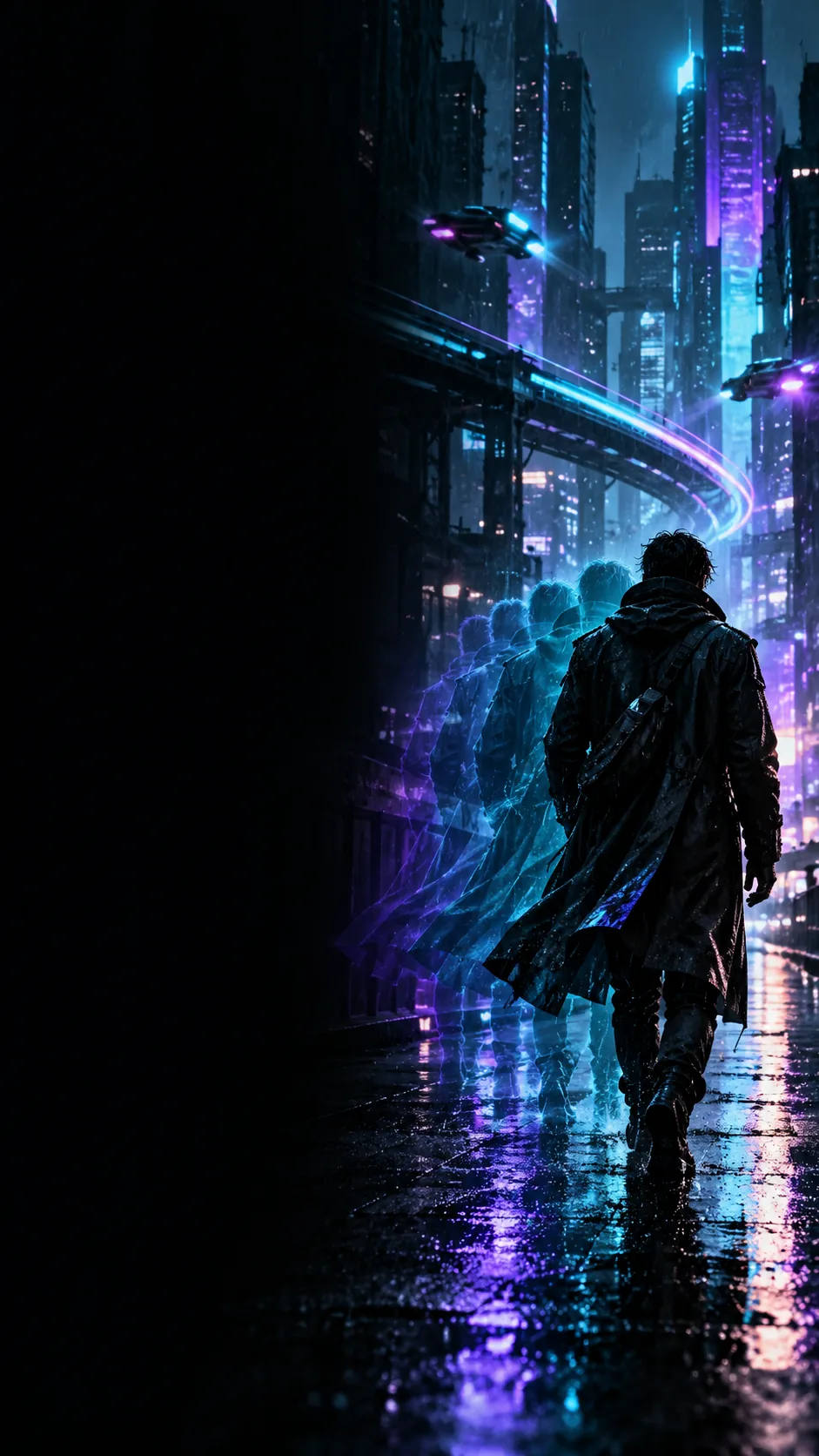
A character turns a corner and notices an unexpected light in an empty street.
Specify the turn, the reveal, and the camera’s position; leave out backstory that cannot be seen.
unlucid ai prompt enhancerPrompt writing
A useful video prompt describes what should appear, what should move, and how the camera should see it. Start with a concrete scene rather than a list of styles.
A prompt-writing guide helps you prepare the words you will use. A general generator is where you check what those words actually produce; the two tasks are related but not interchangeable.
Here, a prompts generator means a way to structure the brief before generation, not a promise of a separate Unlucid feature or a particular result.
Name the visible subject, its action, and the setting. Replace an abstract request such as “make it cinematic” with something a viewer could identify in a frame.
Describe one primary movement and one camera perspective. Keeping these separate makes it easier to spot which instruction to revise if the result misses your intent.
Choose a small number of details that matter most, such as time of day, lighting, or color. Put essential details before optional mood words.
The table compares writing a scene brief first with going straight to a general generation workflow. Neither path guarantees that every requested detail will appear.
Starting point
Prompt-first brief
A scene idea written in ordinary language
General generation workflow
An idea ready to test in the available interface
Immediate task
Prompt-first brief
Decide what the prompt should say
General generation workflow
Submit a request and inspect the result
Subject and action
Prompt-first brief
Spell out who or what is present and what changes
General generation workflow
Check whether the generated scene reflects those instructions
Camera direction
Prompt-first brief
Choose a viewpoint and one principal movement
General generation workflow
Judge the framing and motion in the result
When something fails
Prompt-first brief
Remove ambiguity or competing directions in the brief
General generation workflow
Use the result to identify what needs rewriting
What you get
Prompt-first brief
Text you can review and revise
General generation workflow
A result to evaluate, subject to the destination’s available capabilities
These starting briefs illustrate different priorities. They are writing examples, not verified outputs or templates that will behave identically in every tool.
A character turns a corner and notices an unexpected light in an empty street.
Specify the turn, the reveal, and the camera’s position; leave out backstory that cannot be seen.
unlucid ai prompt enhancerA steaming teapot sits beside two small cups on a quiet kitchen table.
Begin with the objects and setting, then add one lighting cue before testing a longer version.
how to use unlucid redditA cyclist moves through a wet city street while the camera follows from the side.
Record which words describe visible motion so you can compare a reference prompt with your own.
unlucid examples redditThe unlucid prompts generator approach can make an idea easier to describe, but a well-written prompt cannot guarantee a specific shot, consistent characters, or exact timing. Unlucid does not establish the controls available at the linked destination; review that interface before relying on a particular setting. Start with the scene’s essential action, inspect what happens, and revise the instruction that matters most.
Explore video creationThe phrase describes a way to develop text prompts for video ideas. On this page, it refers to preparing a clear scene brief; it does not verify that Unlucid offers a separate tool with that exact name.
Start with the subject, an observable action, and a setting. Add camera direction and a few visual details only when they help distinguish the scene you want.
No. A prompt communicates intent, while the result depends on the tool and the options it provides. Inspect the output and revise the most important missed detail rather than assuming more adjectives will fix it.
Not quite. Writing from scratch organizes an initial idea into a scene brief; enhancing starts with text you already have and focuses on making it clearer or more specific. Both benefit from concrete subjects, actions, and viewpoints.