Video prompt guide

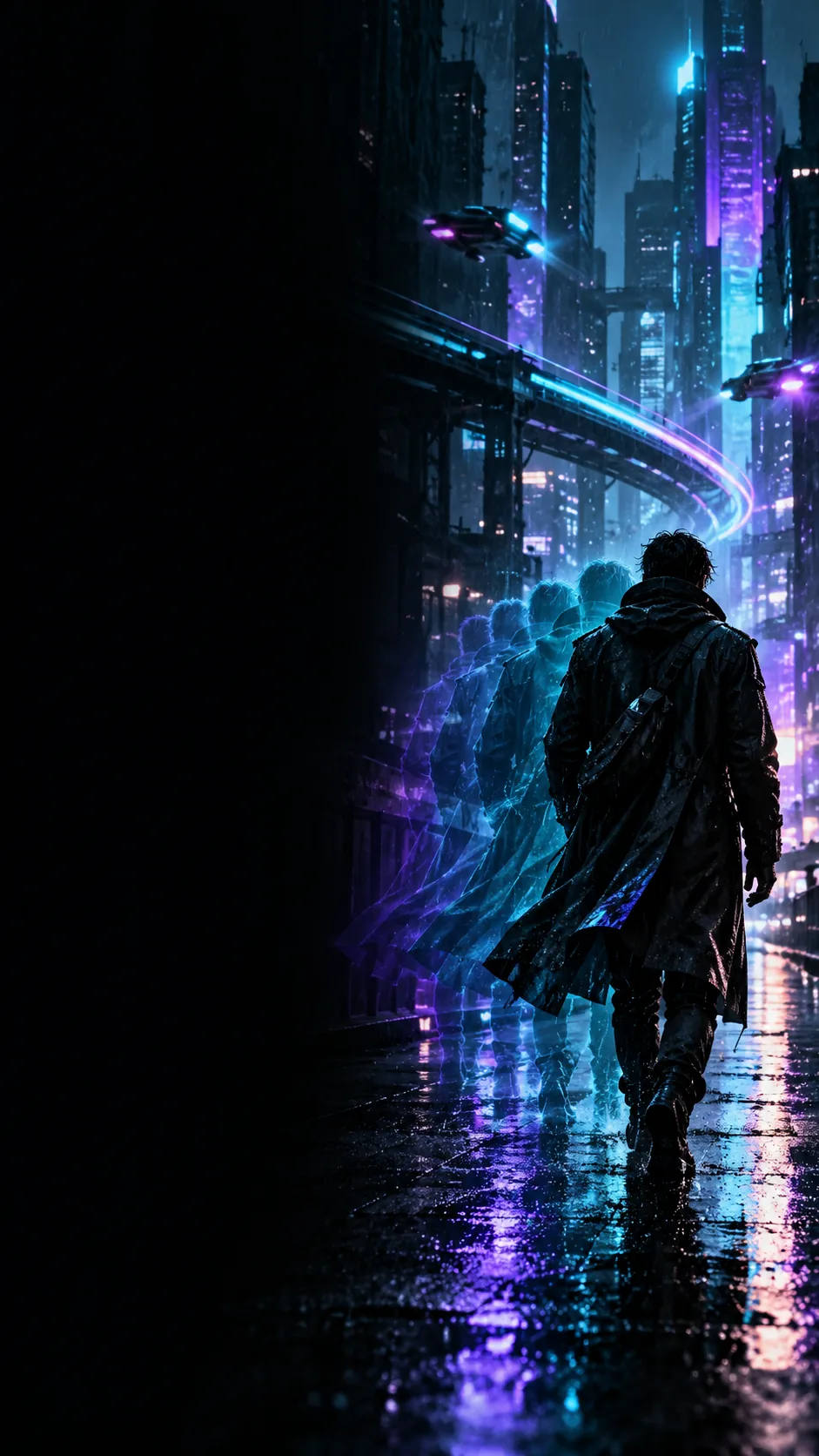
Make a clearer video brief with an unlucid ai prompt enhancer

An unlucid ai prompt enhancer is most useful when it helps you specify what should appear, move, and remain consistent—not when it adds decorative words. Begin with a short idea, then check every added detail against what you actually want.

Free to start · no signup
Unlucid landing visual illustrating a creative video scene

Prerequisites

Bring a subject, an action, and a setting. If you have a reference image, decide which visible features must stay recognizable before writing the motion brief.

Choose what needs clarifying

Different briefs have different gaps. Pick the card closest to your project, and add only the details that help a viewer understand the intended shot.

Storyboard artist

A sketch establishes the composition, but the proposed video has no clear camera movement.

Specify a slow push-in and identify what must remain in frame. For more starting structures, consult the unlucid prompts generator.

unlucid prompts generator
Short-form editor

A draft asks for a dramatic city shot without naming a subject or visible action.

Name the subject, its movement, and one lighting cue. The unlucid online ai generator guide covers the separate generation step.

unlucid online ai generator

Concept designer

A character must look consistent while moving through a new environment.

List the features to preserve before adding atmosphere. The unlucid for ai tools page discusses where this planning fits in a wider workflow.

unlucid for ai tools

Prompt reviewer

A borrowed prompt includes many adjectives but leaves the sequence of events unclear.

Keep the useful visual constraints and rewrite the action in order. The unlucid prompts reddit guide offers a way to assess shared examples.

unlucid prompts reddit

One full run-through

Suppose the rough idea is “a courier in a rainy city.” A useful revision keeps that premise while making the shot easier to interpret.

  1. 1

    State the visible event

    Write: “A bicycle courier crosses a wet intersection at night.” This names one subject, one action, and one location without inventing a second scene.

  2. 2

    Add a camera instruction

    Continue: “The camera tracks beside the courier in one continuous shot.” Movement now has a direction and a point of view; avoid adding a conflicting aerial angle.

  3. 3

    Constrain the look, then review

    Finish with blue reflections on the road and the courier remaining visible throughout. Read the complete brief aloud and remove any detail that changes the original intent.

See the difference in framing

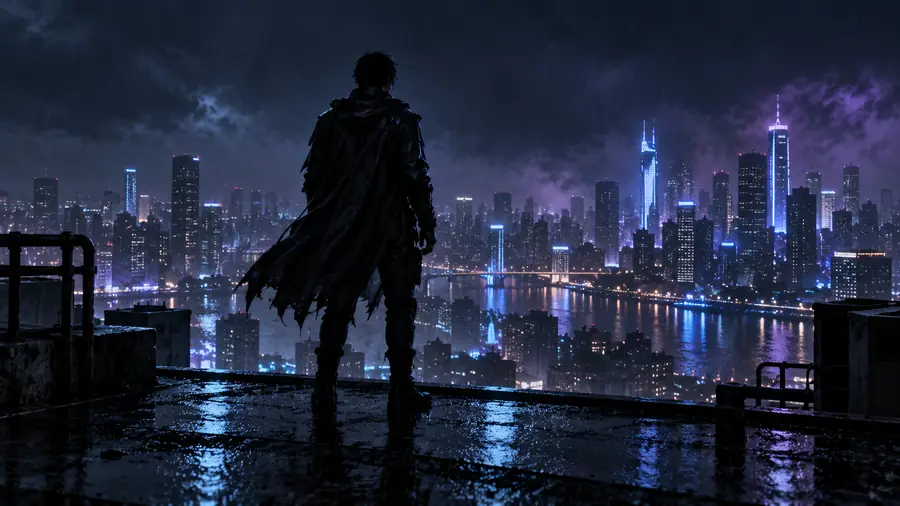
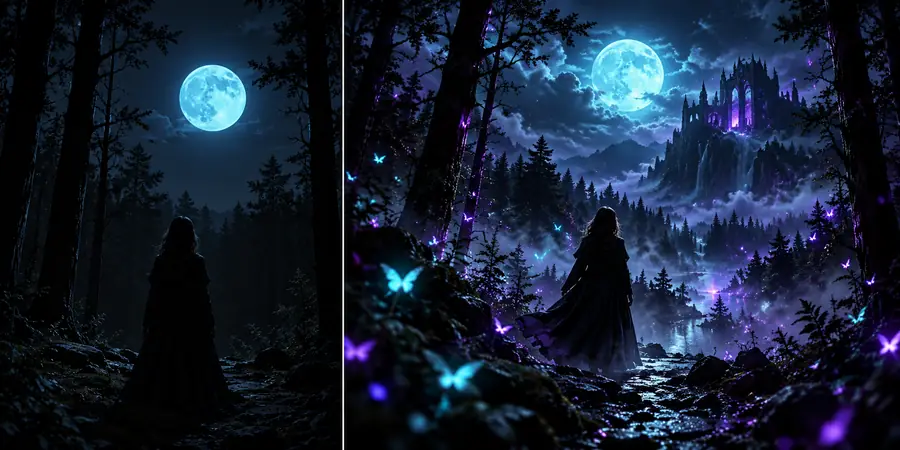
The images illustrate how a source and a more directed scene can differ; they are not evidence that rewriting a prompt alone produced the second image.

Original still image of a figure before a flying-scene treatment Source scene
Figure depicted in a fantasy flying scene Directed scene
For a video brief like this, describe the figure's motion, the camera's path, and which recognizable features should persist. An example image cannot verify a particular prompt enhancer's output.

Options table

A prompt enhancer is a drafting aid, not a substitute for deciding what happens in the video. Compare these two ways of preparing the same idea.

Loose draft
Reviewed video brief

Subject

Loose draft

A person

Reviewed video brief

A bicycle courier in a rain jacket

Action

Loose draft

Moving through a city

Reviewed video brief

Crossing one wet intersection

Camera

Loose draft

Cinematic

Reviewed video brief

Side-tracking shot that follows the courier

Lighting

Loose draft

Moody

Reviewed video brief

Night lighting reflected in the wet road

Continuity

Loose draft

Not specified

Reviewed video brief

One continuous movement with the courier in view

Revision check

Loose draft

Accepts every added detail

Reviewed video brief

Removes details that contradict the intended shot

What fails

A longer prompt is not automatically a better one. These limits matter whether you revise the wording yourself or use a prompt enhancer to suggest it.

Conflicting instructions

A close-up and a wide establishing shot cannot both define the entire continuous frame.

Workaround

Choose one shot, or write a deliberate shot transition if your intended workflow supports one.

Invented certainty

Revised wording cannot guarantee a particular video result, camera behavior, or faithful treatment of a reference.

Workaround

Treat the brief as a testable direction and inspect the resulting output before reusing it.

Missing creative decisions

A prompt enhancer cannot know which character trait or story beat matters most unless you say so.

Workaround

Mark the non-negotiable subject, action, and continuity details before requesting a revision.

Unknown service terms

This guide cannot establish another service's access rules, data handling, or supported controls.

Workaround

Check the destination service's current terms and interface before submitting sensitive material.

Carry your revised brief forward

Turn the idea into a usable scene brief

Keep the subject and action first, add only the camera and visual constraints you need, and review the wording before trying it in a generation workflow. Unlucid provides the planning framework here; the destination service determines what tools and controls are available.

Explore video creation
  • Name one visible action
  • Specify one camera approach
  • Check for contradictions

FAQ

It helps frame a rough idea as a more specific brief, with a subject, visible action, setting, and camera direction. You should still review any suggested additions; clearer wording does not guarantee a particular generated result.

No. Enhancing concerns the instructions you prepare, while generation is the separate process of producing an output from those instructions. Available generation features depend on the service you use.

Start with the subject, action, and setting, then add the camera movement and constraints that matter to your shot. Remove details that compete with the main action or introduce an unintended scene.

You can describe which visible features in the image you want to preserve and what motion you want to add. Whether a destination tool accepts reference images, and how closely it follows them, must be checked in that tool.

A brief may contain ambiguous or competing directions, and generation systems do not guarantee exact compliance with every instruction. Inspect the output, identify the largest mismatch, and revise that part of the brief first.

Start creating
Start creating