Storyboard artist
You need several distinct scene ideas before selecting a direction.
Draft separate descriptions and compare them as concepts; do not assume one prompt will preserve every detail across attempts.
unlucid prompts generatorVideo creation
Start with a scene you can describe clearly, then decide what kind of result would make it useful. This guide separates that planning work from features and access details you should verify on the service you choose.
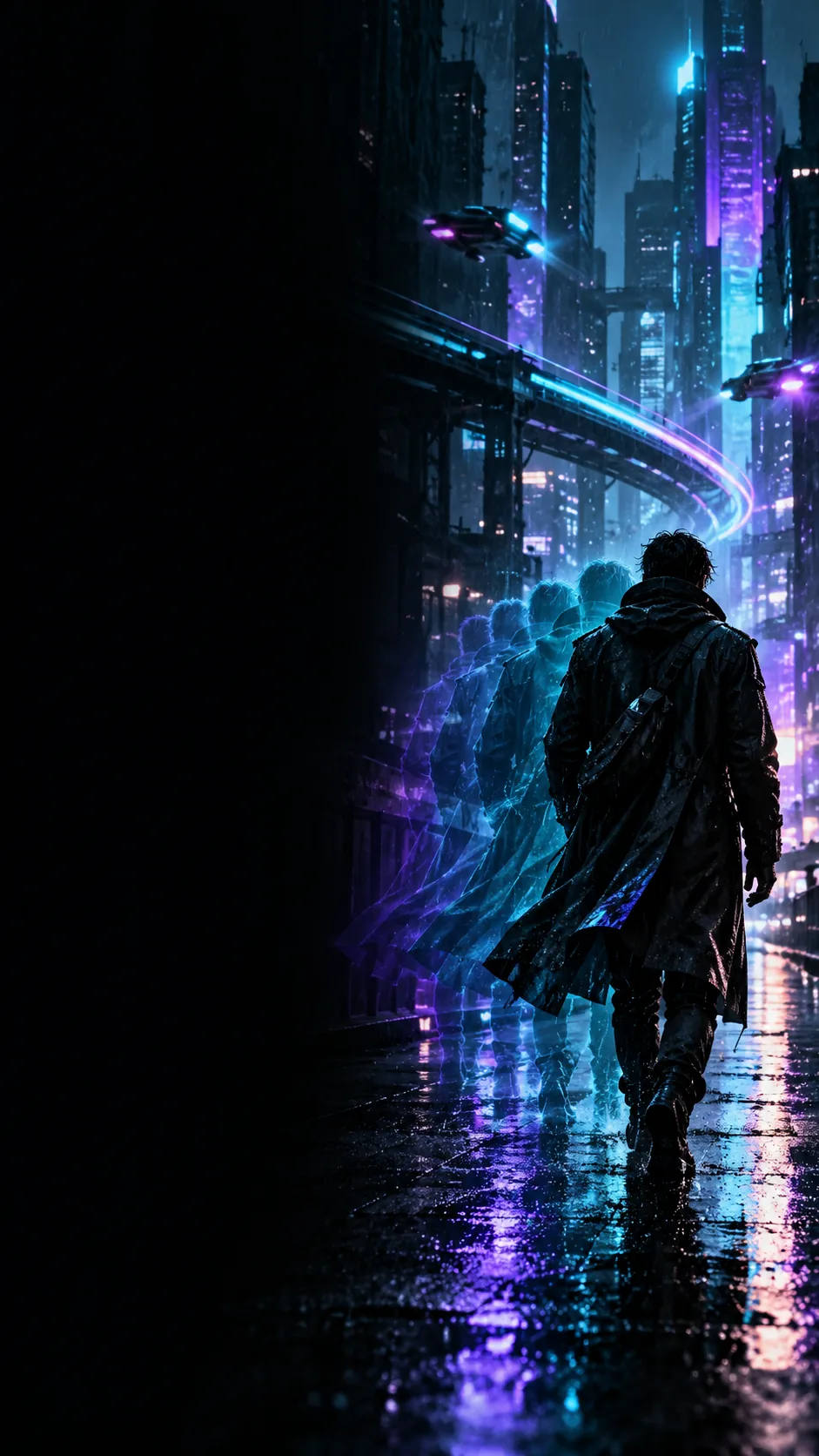
An app is only the surface. The useful starting point is a specific subject, action and setting, followed by a way to judge whether the resulting scene matches your intent.
Treat these as planning cards, not a list of controls promised by an app.
Identify who or what the viewer should follow. A single subject, such as a cyclist in a yellow raincoat, gives you a clearer reference than a broad theme.
Say what changes during the shot: the cyclist crosses a wet street while the camera stays still. Movement helps distinguish a video idea from a static image description.
Add the location, light and framing that matter most. Keep those details consistent so you can tell whether a result follows the original idea.
Use the two columns as a practical checklist. They compare your preparation with your review, not competing products or guaranteed app features.
Subject
Before creating
Choose one identifiable focal subject.
When reviewing
Check that the same subject remains recognizable.
Action
Before creating
Write an observable movement.
When reviewing
Look for that movement rather than a merely similar mood.
Setting
Before creating
Name the place and its defining details.
When reviewing
Check whether the surroundings support the scene.
Camera
Before creating
Specify a viewpoint only if it matters.
When reviewing
Notice whether framing obscures the main action.
Continuity
Before creating
Avoid conflicting instructions about the same shot.
When reviewing
Watch for abrupt changes in subject or setting.
Sharing
Before creating
Decide whether the input contains sensitive material.
When reviewing
Review the output and service terms before publishing.
Your intended use changes what you should verify. An app name alone does not establish device support, export options, data handling or permission to reuse an output.
You need several distinct scene ideas before selecting a direction.
Draft separate descriptions and compare them as concepts; do not assume one prompt will preserve every detail across attempts.
unlucid prompts generatorYou want to judge whether a short visual idea suits your audience.
Inspect examples for pacing and readability, then check the destination service for current output and sharing terms.
unlucid examples freeYou have seen community tips but cannot tell which instructions still apply.
Use a simple test idea and verify each available control in the current interface instead of relying on an old walkthrough.
how to use unlucid redditYou are evaluating where a video tool might fit alongside other AI tools.
Separate prompt planning, generation and editing in your notes so a polished example is not mistaken for an end-to-end workflow.
unlucid for ai toolsAn original horse image and a galloping scene make one possible change of action easy to inspect. They do not establish what any particular app will produce from your input.
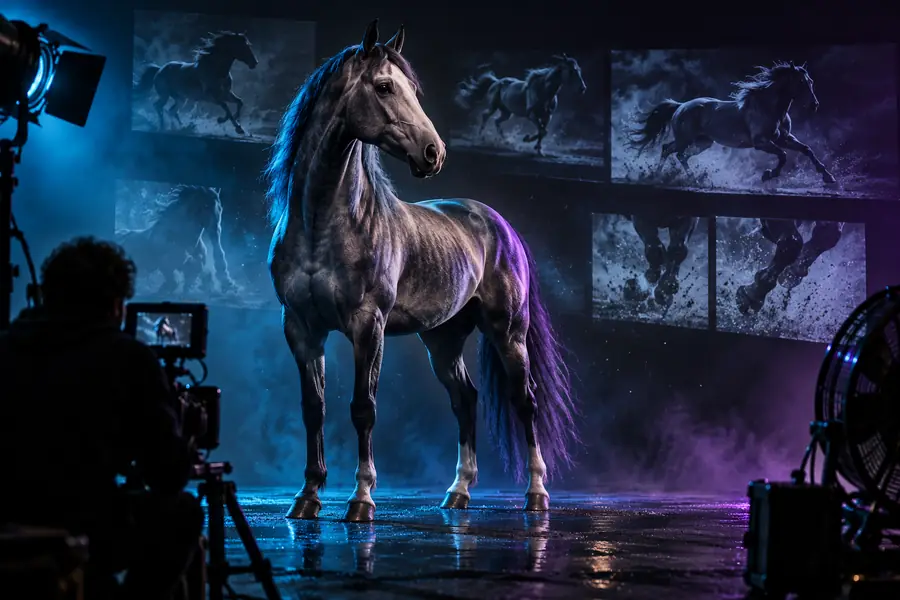 Original subject
 Illustrative action scene
Write down the subject, movement and setting first. When you continue to the video-creation service, check its current access, input rules and output options there before uploading personal material.
Explore video creationThe name alone does not confirm that an official mobile download exists or that every device has the same experience. Check the current service destination and the publisher listed by any app store before installing anything.
Begin with a short description of the subject, its movement and the setting. Then inspect the controls actually available at the service you use; this guide does not assume a specific generation flow or set of features.
Do not assume image upload is available from the app name or an example scene. Check the current interface for accepted inputs, and read its data-handling terms before submitting a personal photo.
A prompt is a description of intent, not a guarantee of an identical result. Review each output for subject consistency, movement and unexpected details before using or sharing it.
Look at the current service terms for permitted use and any rules affecting your input material. Also watch the finished video for unwanted changes, recognizable people or information you did not mean to disclose.